Node Authentication
Getting Access Key and Token
When connecting a node to an authenticated hub, you need to provide authentication credentials:
- Log in to the device farm dashboard
- Click on your profile name in the header
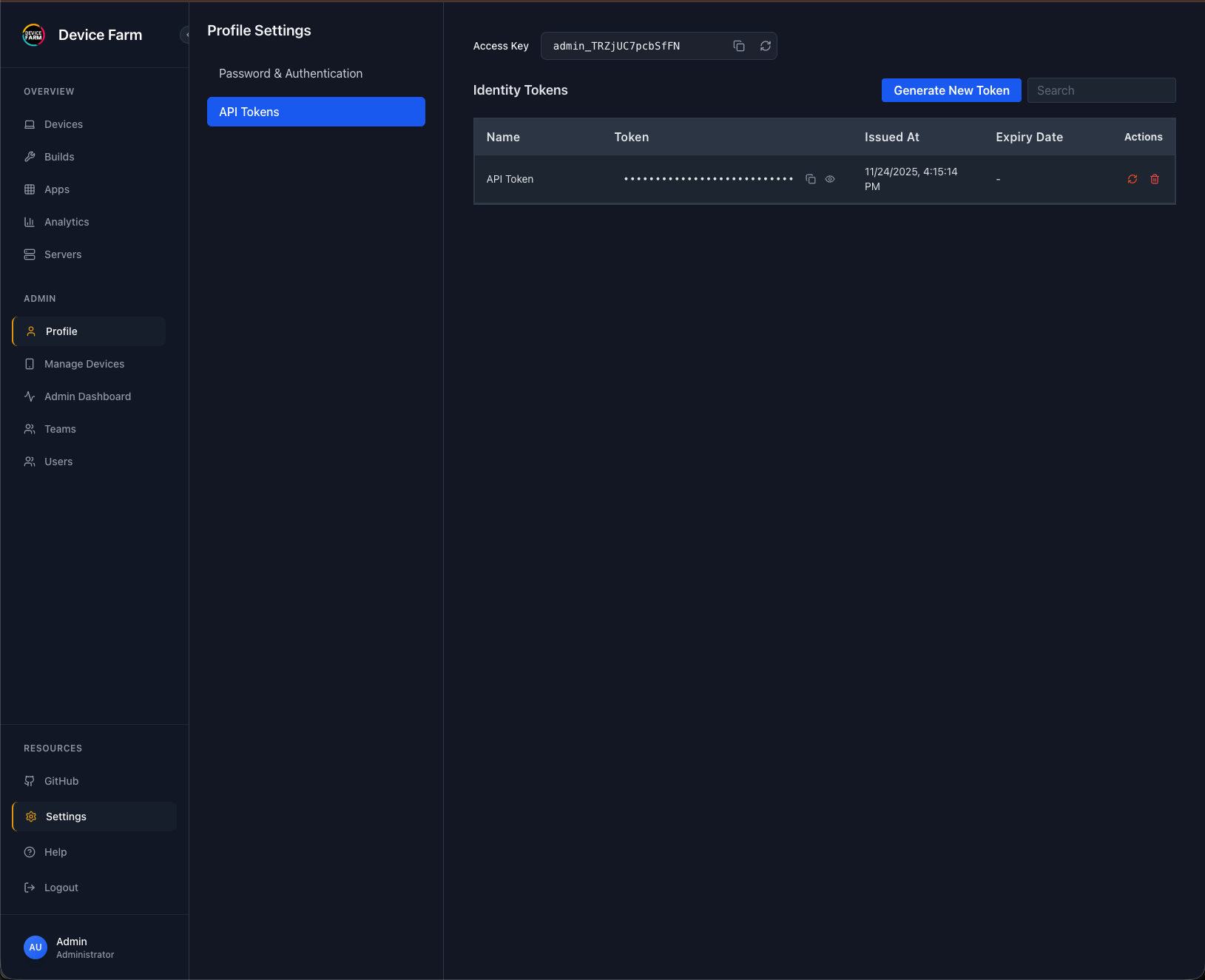
- Navigate to the "API Tokens" tab
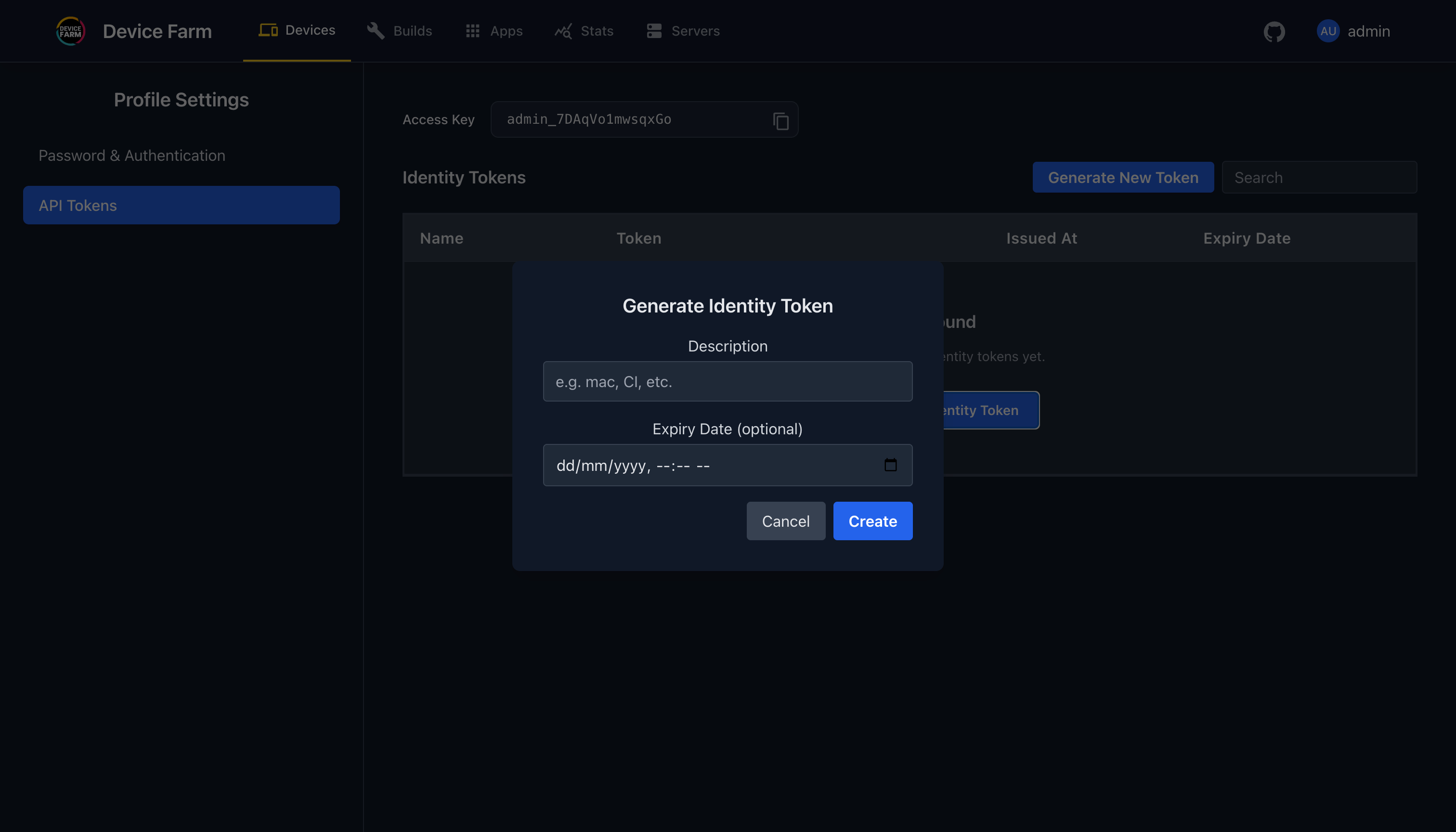
- Click "Generate Token"
- Enter a token name and optional expiration date
- Click "Create"
The access key will be displayed above the API tokens table. Use both the access key and token when registering nodes.