Node Setup
Installation
npm install -g farm-runner
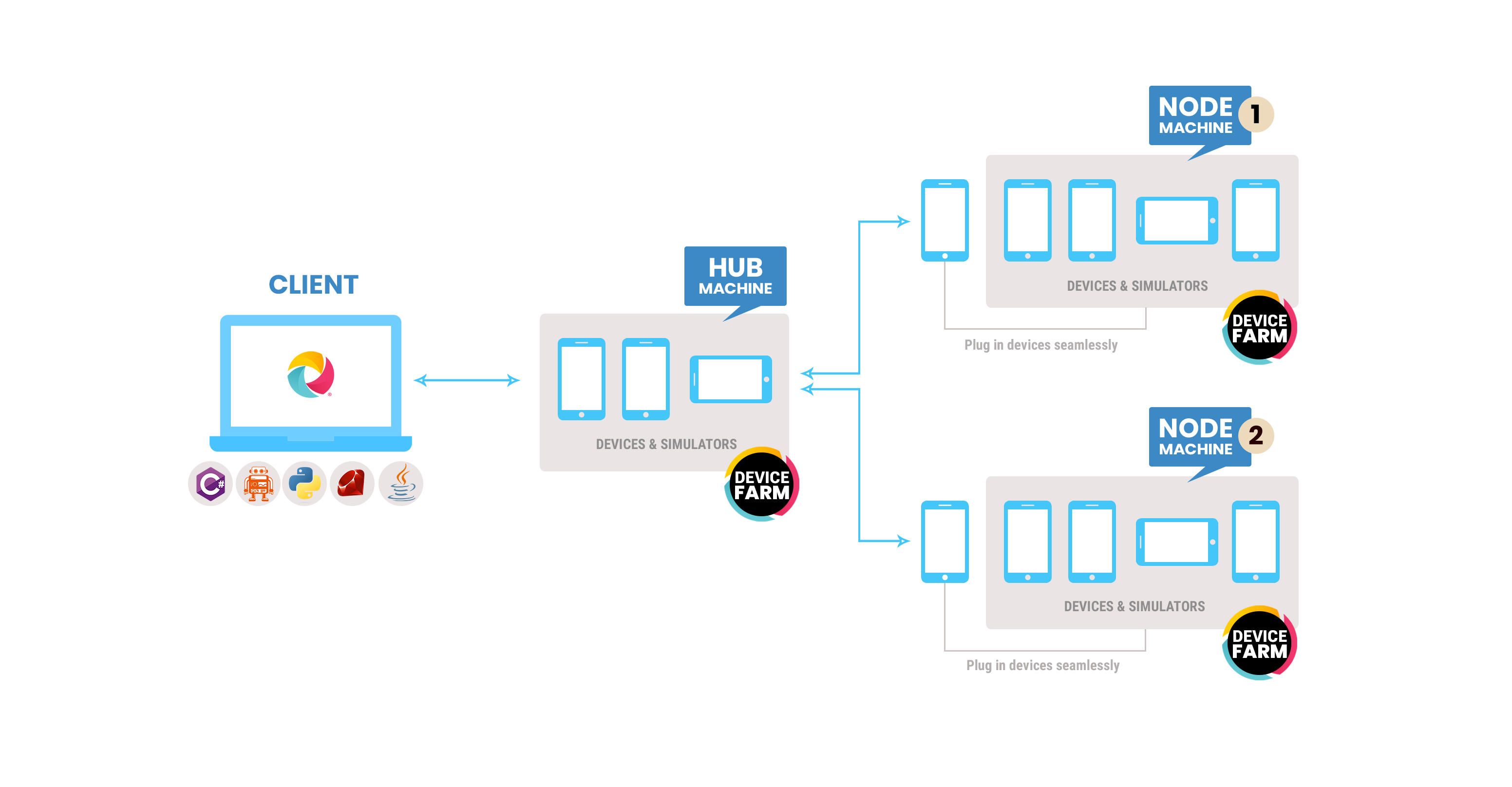
Start a Node
To connect a machine with devices to the hub, you need the accessKey and token from the hub. These credentials are required for the runner to connect to the orchestrator.
Getting Access Key and Token
- Log in to the hub dashboard at
http://localhost:3000using the admin credentials - Click on your profile name in the header
- Navigate to Profile → API Token
- The access key will be displayed above the API tokens table
- Click "Generate Token" to create a new API token
- Copy both the access key and the generated token

Configuring the Node
- Create
node.config.json:{ "hubUrl": "http://localhost:3000", "accessKey": "your-access-key-from-profile", "token": "your-generated-token", "name": "My-Mac-Mini", "platform": "both" } - Run the node:
farm-runner -c node.config.json