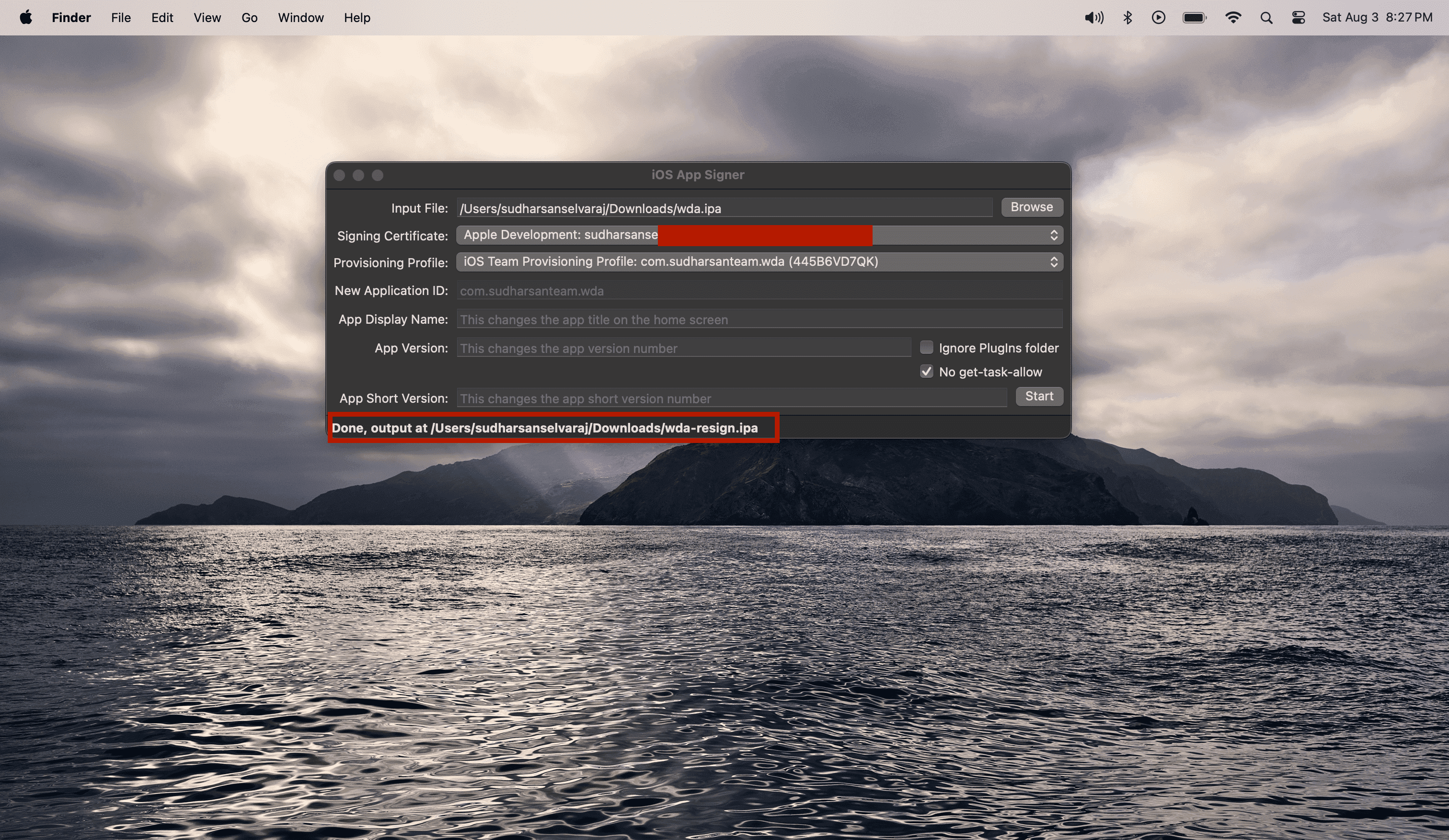
Resigning WDA
To re-sign the IPA, open the iOS Resigner app that you previously downloaded. Select the WDA IPA file that you downloaded as the input file. Choose your Apple account from the Signing Certificate dropdown. In the Provisioning Profile dropdown, select the provisioning profile you created earlier.
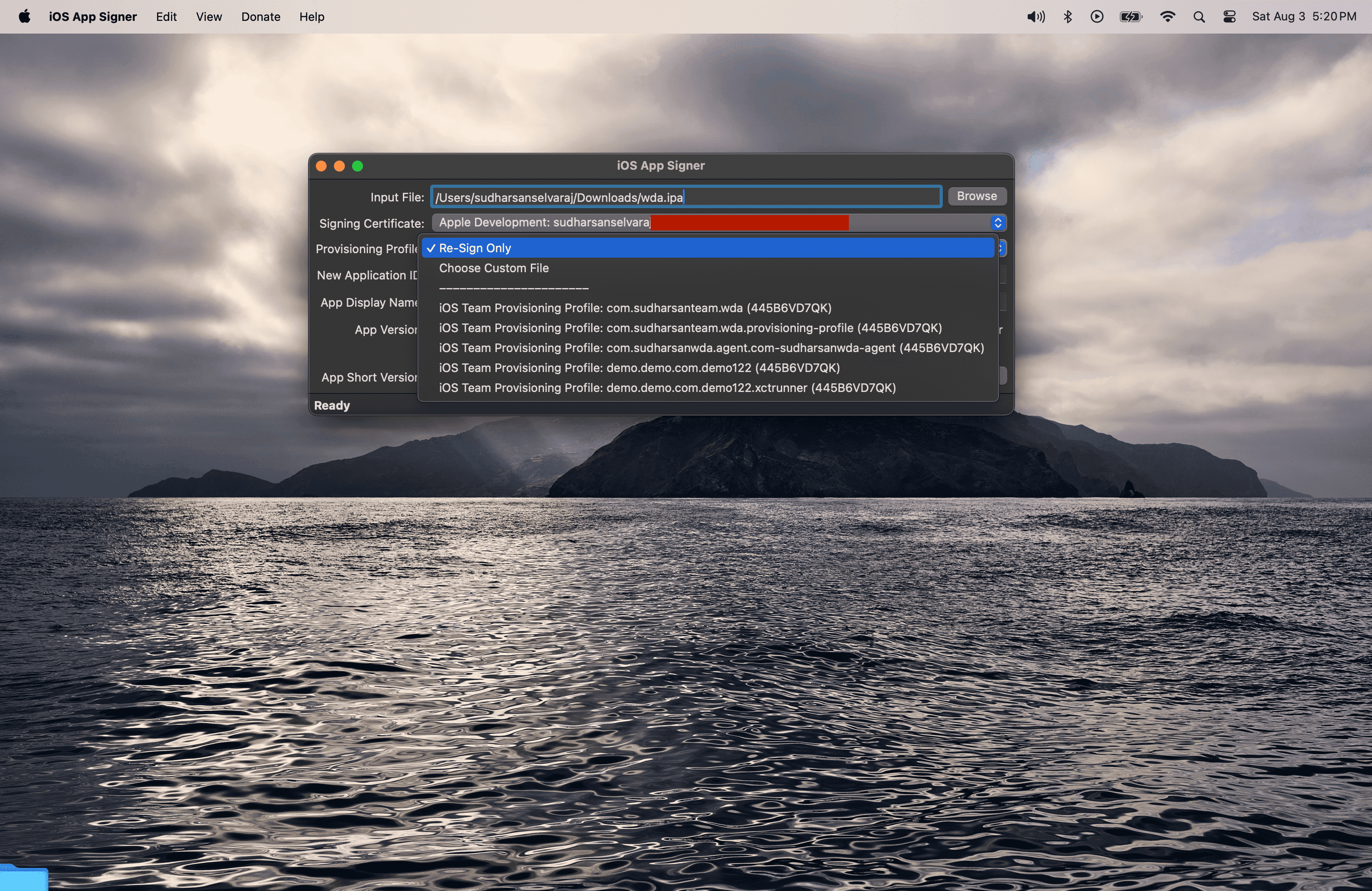
After entering all the details, click "Start" and select a folder to save the resigned IPA file.
For iOS devices: Ensure you save it with the name wda-resign.ipa and click "Save."
For tvOS devices: Ensure you save it with the name wda-resign_tvos.ipa and click "Save."
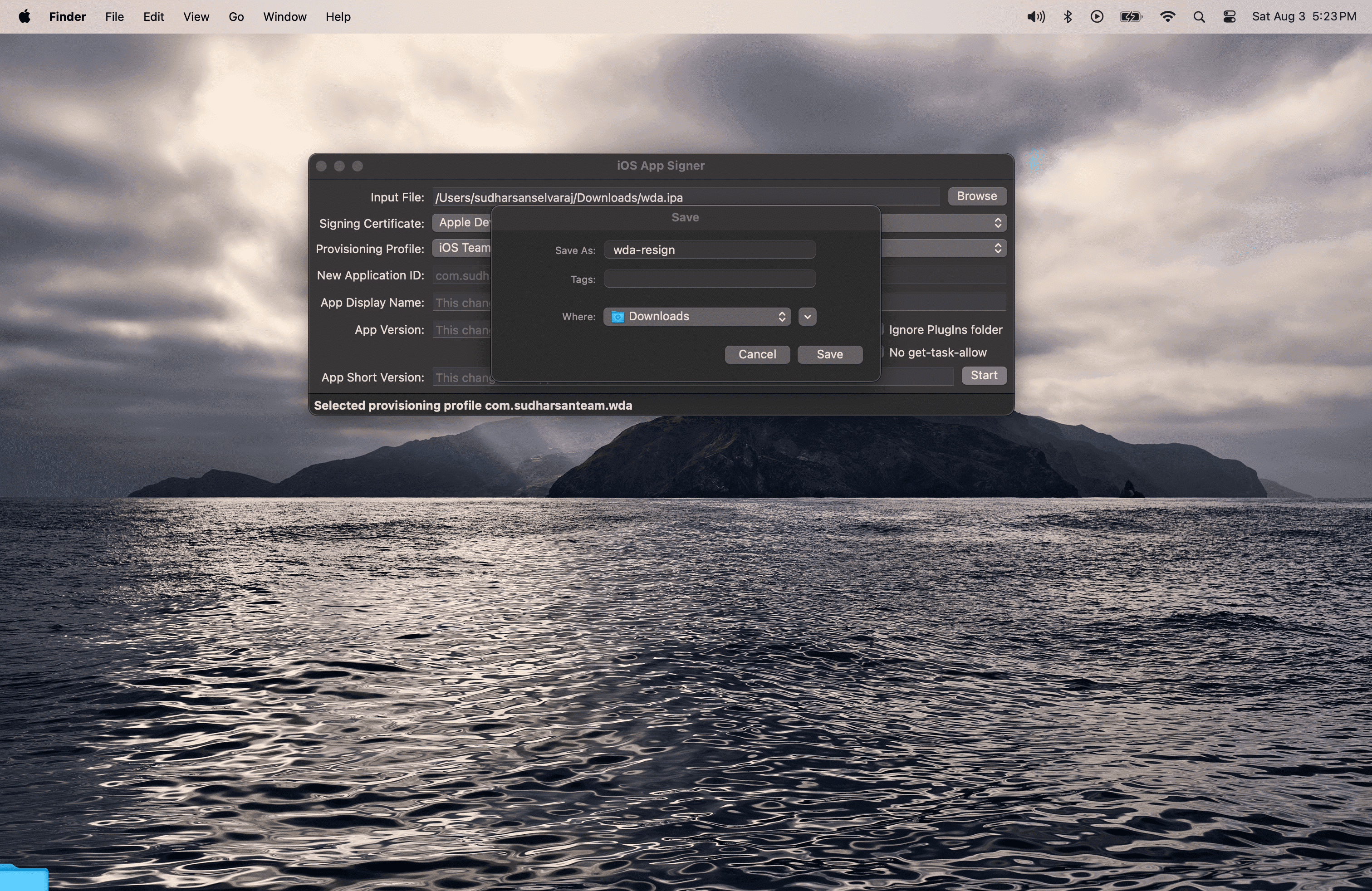
This will create a new file in the output directory.