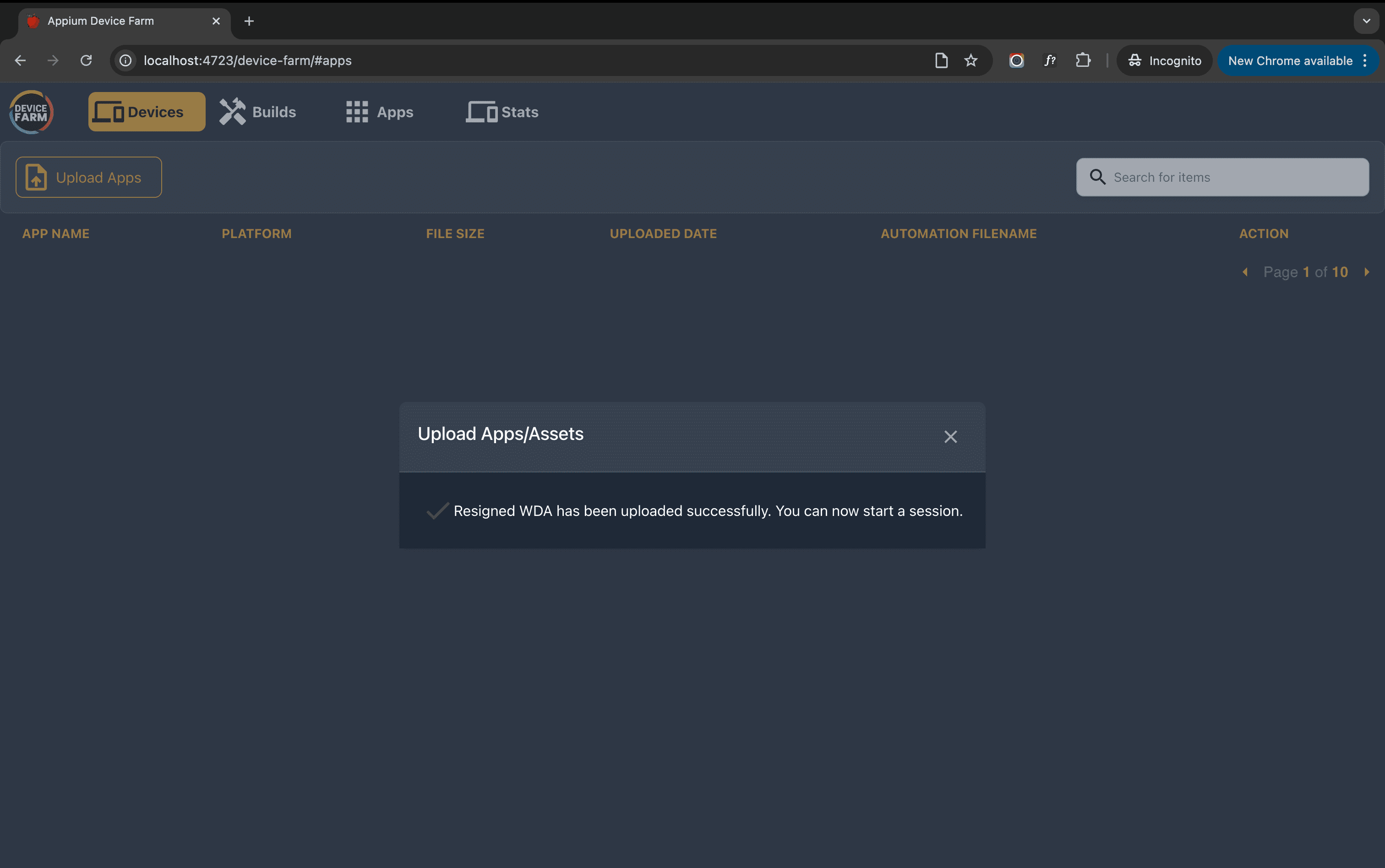
Uploading WDA
Once the WebDriver agent is successfully re-signed, it needs to be uploaded to the Appium device farm. Open the device farm using the server URL in your browser, switch to the Apps section, and click the Upload Apps button.
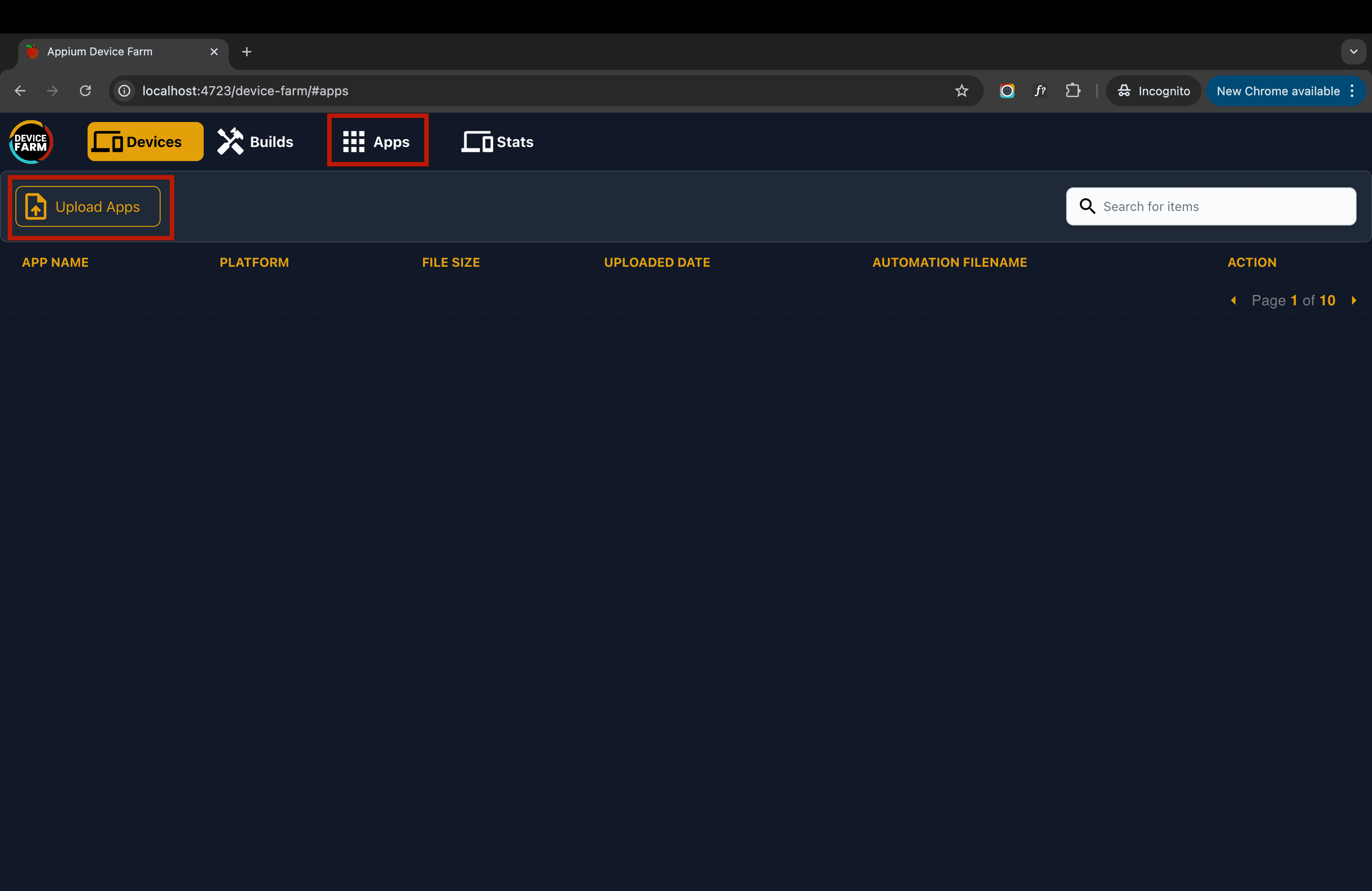
For iOS devices: Choose the resigned IPA named wda-resign.ipa and click "Upload."
For tvOS devices: Choose the resigned IPA named wda-resign_tvos.ipa and click "Upload."
The system will automatically select the appropriate WDA file based on the device platform:
- iOS devices (iPhone, iPad) → wda-resign.ipa
- tvOS devices (Apple TV) → wda-resign_tvos.ipa
You should see a success popup indicating the file upload was successful. That's it! You are now ready to use real iOS and tvOS devices with the device farm.