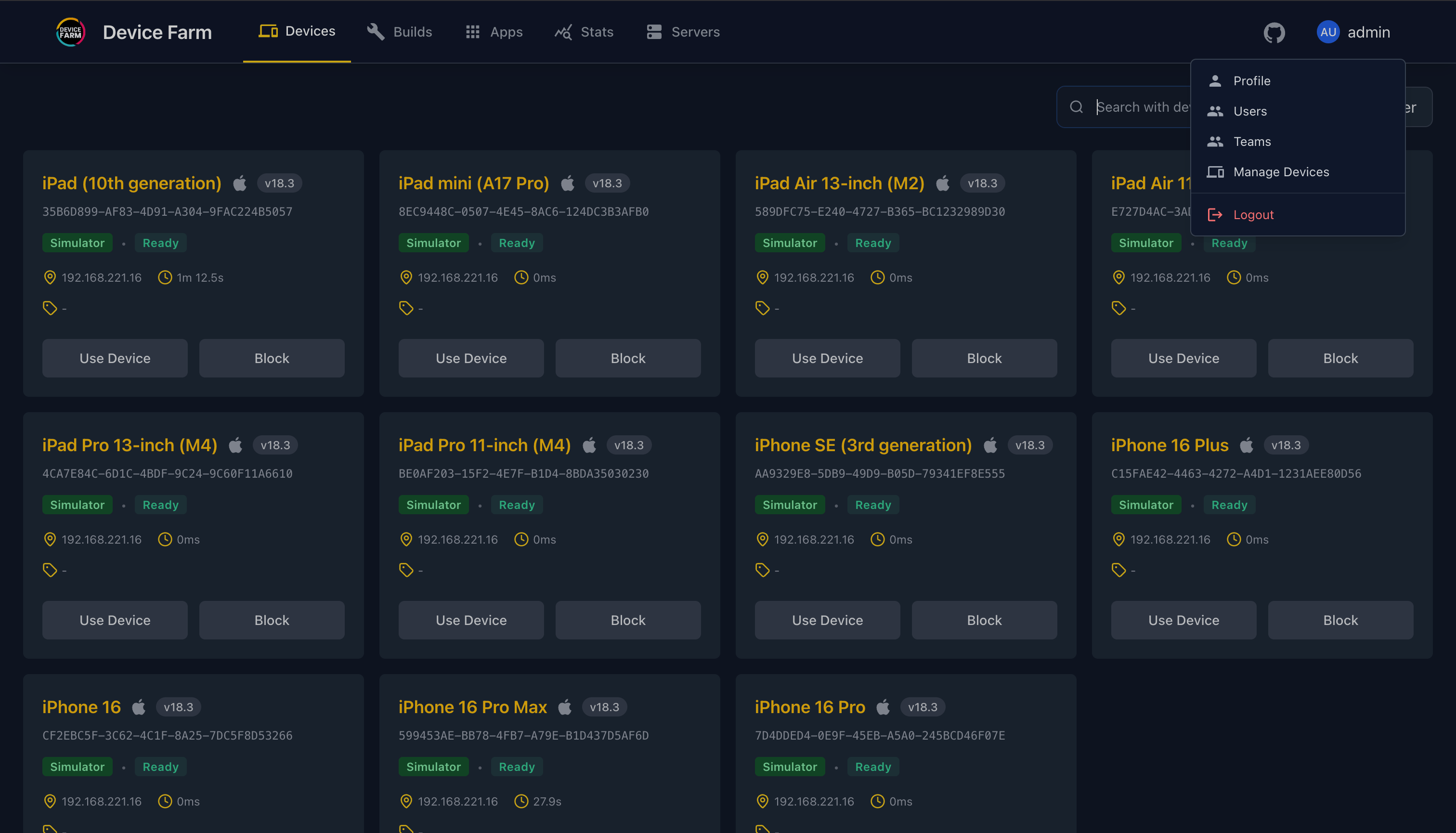
User Authentication
Default Credentials
Before installing the device farm plugin, you can set default admin credentials using environment variables:
export DEFAULT_ADMIN_USERNAME=your_admin_username
export DEFAULT_ADMIN_PASSWORD=your_admin_password
If not set, the default credentials are:
- Username: admin@device-farm.org
- Password: Admin@123
Security Note
It's highly recommended to change the default credentials after your first login.
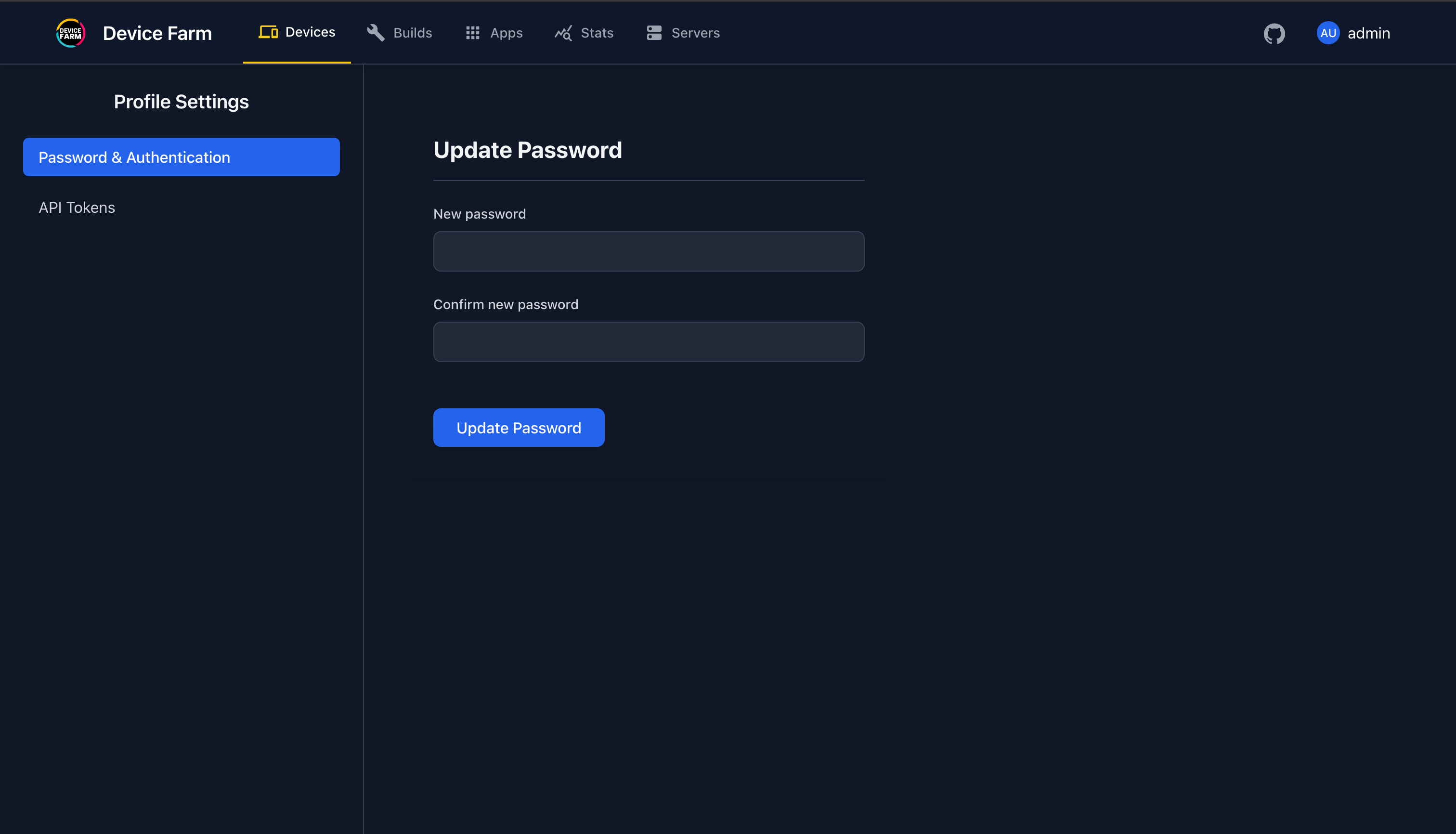
User Roles
The device farm supports three user roles: Super Admin, Admin, and Member.
Role Permissions Matrix
| Feature | Super Admin | Admin | Member |
|---|---|---|---|
| User Management | |||
| Create Member users | ✅ | ✅ | ❌ |
| Create Admin users | ✅ | ❌ | ❌ |
| Create Super Admin users | ✅ | ❌ | ❌ |
| Edit/Delete Member users | ✅ | ✅ | ❌ |
| Edit/Delete Admin users | ✅ | ❌ | ❌ |
| Activate/Deactivate Members | ✅ | ✅ | ❌ |
| Activate/Deactivate Admins | ✅ | ❌ | ❌ |
| Assign Admin/Super Admin roles | ✅ | ❌ | ❌ |
| System Settings | |||
| Access system settings | ✅ | ❌ | ❌ |
| Configure storage adapters | ✅ | ❌ | ❌ |
| Manage authentication settings | ✅ | ❌ | ❌ |
| Device Management | |||
| View devices | ✅ | ✅ | ✅ |
| Use devices (manual sessions) | ✅ | ✅ | ✅ |
| Flag/Unflag devices | ✅ | ✅ | ❌ |
| Session & Testing | |||
| Create automated sessions | ✅ | ✅ | ✅ |
| View own sessions | ✅ | ✅ | ✅ |
| View all sessions | ✅ | ✅ | ❌ |
| Terminate any session | ✅ | ✅ | ❌ |
| Builds & Analytics | |||
| View analytics | ✅ | ✅ | ✅ |
| View all builds | ✅ | ✅ | ✅ |
| Node Management | |||
| View nodes | ✅ | ✅ | ✅ |
| Register/Remove nodes | ✅ | ✅ | ❌ |
Super Admin
The Super Admin has full system control and is the only role that can:
- Manage other Admins and Super Admins (create, edit, delete, activate/deactivate)
- Access and modify system settings
- Configure storage adapters, authentication settings, and other system-wide configurations
Default Super Admin
The default Super Admin user is created automatically when the Hub starts for the first time. You can customize the initial password by setting the SUPER_ADMIN_PASSWORD environment variable before first startup.
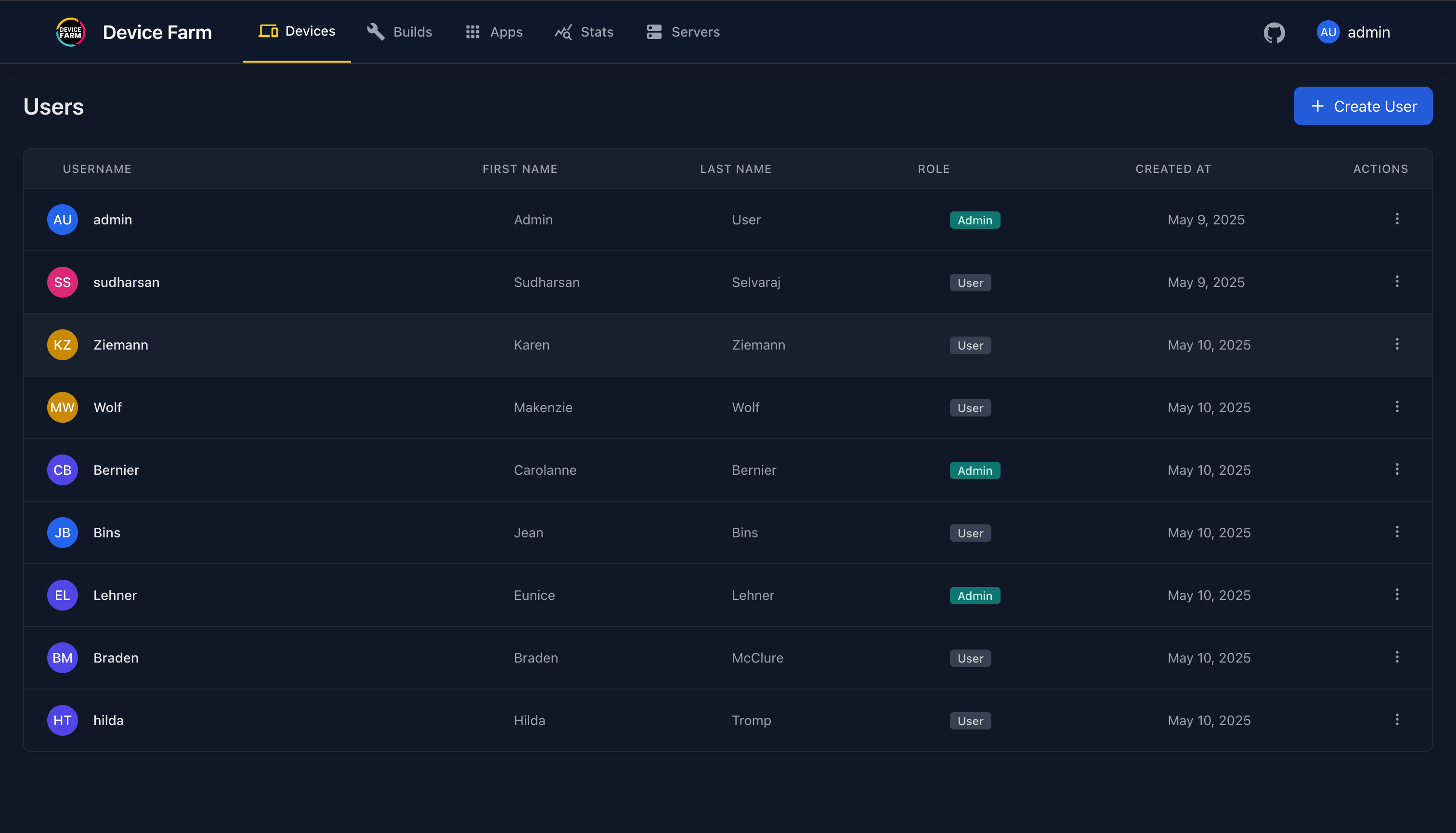
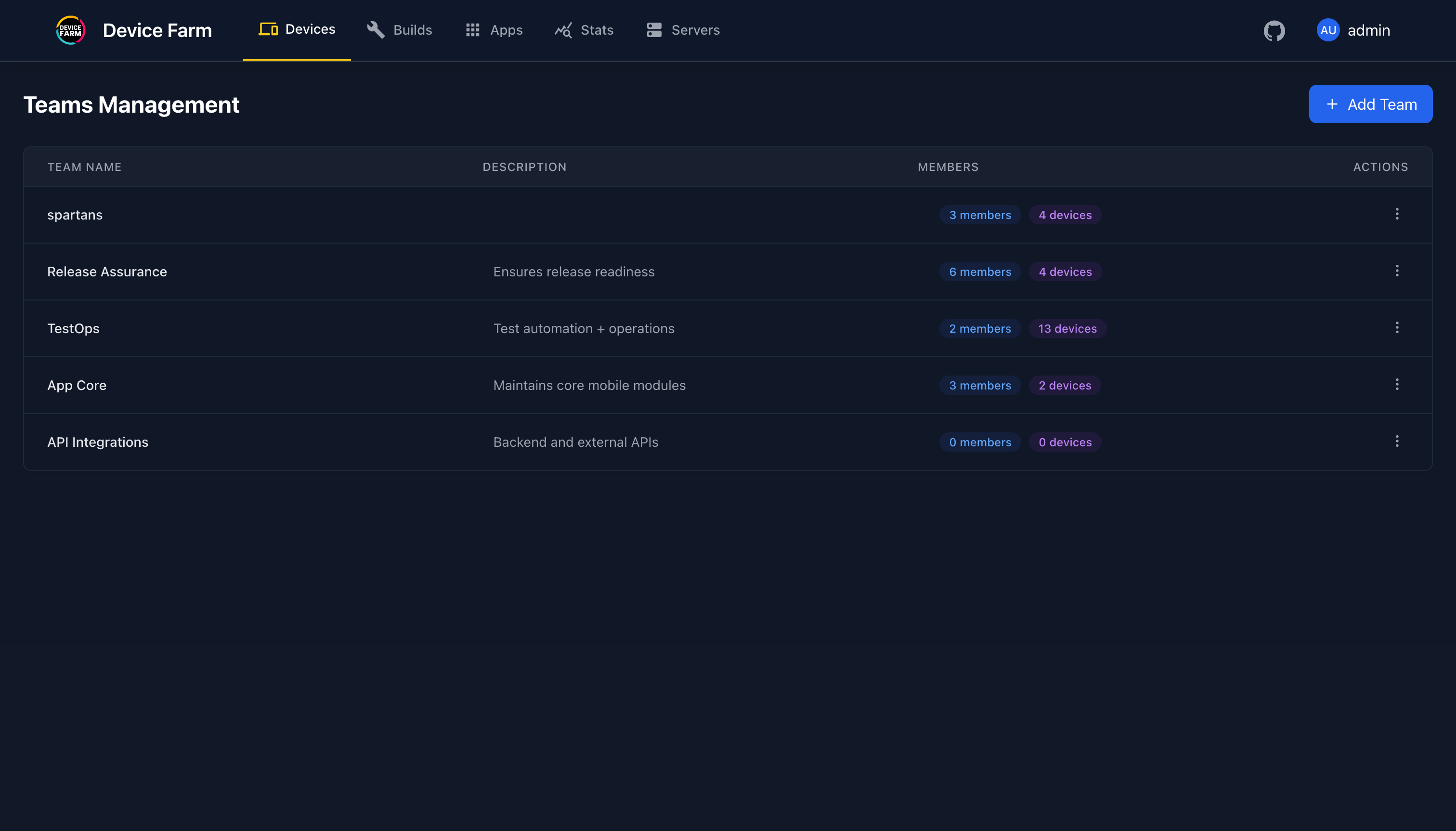
Admin
The Admin role provides team management capabilities:
- Create and manage Member users only
- Manage devices, sessions, and nodes
- Create and manage teams
- Generate and manage API tokens
Limitation
Admins cannot create, modify, or delete other Admin or Super Admin users, and cannot access system settings.
Member
The Member role provides basic usage access:
- Use devices and run automated tests
- View own sessions and analytics
- Generate personal API tokens
- Change their password
Limited Access
Members can only view their own sessions and cannot manage users, flag devices, or access admin features.